






AIHomeworkHelper.com Review: What to Expect From the Tool
Deadlines tend to get on your nerves when your brain is already at 3 percent capacity. You open the assignment, read the question twice, and somehow it still feels like it was written in a different alphabet.
That is the exact moment tools like aihomeworkhelper.com try to earn their keep. The promise is simple: drop in a question (typed or uploaded), get an answer fast, and read an explanation that helps you understand what happened.
So, let’s break down what the tool does, how the workflow feels, which features matter for studying, and when you should slow down and double-check your own work.
What AIHomeworkHelper Does
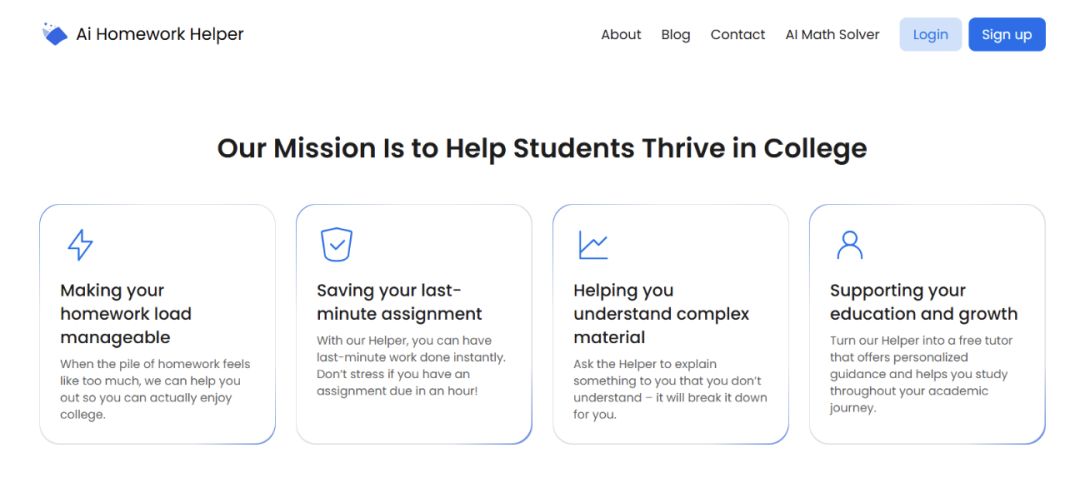
AIHomeworkHelper is an AI-based homework assistant built for one job: to turn a question into a solution with a clear explanation.
You can use it for quick “what does this mean” questions and for longer problems that need steps, formulas, and reasoning. It’s positioned as broad-subject help, covering common student workload areas like biology, chemistry, economics, English, physics, statistics, math, history, and geography.
The most useful angle here is the way explanations are presented. The tool aims to walk through the logic in a structured way, which makes AI help with homework feel more like tutoring and less like a random answer generator.
Ways to Use AIHomeworkHelper.com
The workflow is built to stay simple, which is a win when you are already stressed.
You have two main input options:
-
Type or paste your question into the text box.
-
Upload an image or a PDF that contains the question.
Uploads can be especially helpful for problems with formatting, symbols, or diagrams. The tool uses OCR (optical character recognition) to detect the text from the file, then generates a response based on what it captured.
Here is a practical way to approach it:
-
Add your question (typed or uploaded).
-
If you uploaded a file, add a short prompt that tells the tool how to format the response.
-
Wait for the solution and explanation to generate.
-
Read the explanation first, then check the final answer.
That “add a prompt” step matters more than people expect. With uploads, a prompt can be the difference between a messy paragraph and a comprehensive, step-by-step solution. A simple prompt like “Solve step-by-step, show formulas used, and explain why each step is taken” usually gets you a more usable response.
Key Features That Matter in Studying
AIHomeworkHelper is described as an all-in-one assistant, so the feature list is broad. The real question is which parts help you study faster.
Image and PDF uploads with OCR
This is one of the strongest convenience features. A lot of assignments are not “typeable” without losing details. Think equations, subscripts, tables, or a multi-part question with specific constraints.
Fast onboarding
You can jump in without a long setup process. That matters because homework panic is not the moment anyone wants to create accounts, confirm emails, and remember another password.
Step-by-step explanations
This is the feature that can actually improve learning. A final answer alone does not teach you much. Steps and reasoning let you see where your own work drifted off track.
Range of task support
The tool is presented as flexible across subjects and difficulty levels. It can help with short factual questions, concept explanations, and more procedural work like math and statistics.
Output that can be used as a check
Many students use these tools as a verification layer. If you’ve already solved something, you can use it as a homework checker to compare your approach, spot a missed sign, or confirm your final number.

Why AIHomeworkHelper Saves Time
Typed questions are easy. Real assignments often are not.
Your “question” can be a photo of a worksheet taken in a dim lecture hall, a PDF with a tiny font, or a screenshot where the important part is a diagram and the text is partly cut off. Upload support makes a big difference because it helps preserve context.
When you are doing homework online, file uploads also reduce the chance that you accidentally rewrite the problem incorrectly. Re-typing is where small details go missing.
OCR works best when you feed it clean input. If you want better results on the first try, use this checklist:
-
Crop the image so that only the problem is visible.
-
Make sure the text is sharp and well-lit.
-
Keep the page as straight as possible, with minimal angle.
-
Include the full prompt and any constraints (units, rounding rules, “show your work”).
-
Add one instruction line in the prompt box: “Answer step-by-step and explain each step.”
Also, keep realistic expectations for handwriting. OCR tends to handle printed text and clear equations more reliably than rushed pencil writing with crossed-out parts. If the tool misreads a symbol, you can often fix it by re-uploading a clearer photo or typing only the tricky part.
How to Get the Most Accurate Results

AI tools can be helpful and still require good judgment. The best way to use a homework assistant is to treat it like a study partner who talks fast. You still check the logic before you trust the final line.
These are a few habits that pay off:
-
For math and science, scan the steps and check that each step matches a known method from your class notes.
-
Confirm units and rounding rules. Many grading rubrics care more than you think.
-
For word problems, reread the question and confirm the response answered what was asked, not what was implied.
-
For essays or long answers, use the output as a draft base, then rewrite in your own voice and match your teacher’s formatting requirements.
This keeps you in control and reduces the risk of copying something that does not match your assignment.
5 Signs This Tool Will Help With Your Assignment
AIHomeworkHelper is most useful when you are in one of these scenarios:
-
You are stuck on one step and need the missing link, not a full lecture.
-
You finished a solution and want a fast verification before submitting.
-
You learn better from worked examples than from reading a chapter summary.
-
You are juggling multiple subjects and need one place to ask questions across them.
-
You have a screenshot or PDF-based task, and re-typing it would waste time.
If those sound familiar, this kind of tool can reduce friction and help you keep momentum.
Final Thoughts
AIHomeworkHelper aims to be a practical study companion with quick input, fast output, and explanations that are meant to be readable. The combination of OCR uploads and structured reasoning is the main value, especially when your assignments come in messy formats and time is tight.
Use it to unblock yourself, verify work, and learn the method behind the result. That approach keeps you studying, not just collecting answers.
If you regularly face dense homework problems and want a faster way to get to the “how,” this tool is built for exactly that workflow.